Know-your-business or "KYB" is an important part of the onboarding process for many financial products for businesses. Just like KYC (know-your-customer), in order to onboard an entity onto your platform you need to verify not only the business itself but also the beneficial owners of that business. Footprint makes this as easy as KYC with all of the business information vaulted securely.
How to get started with KYB:
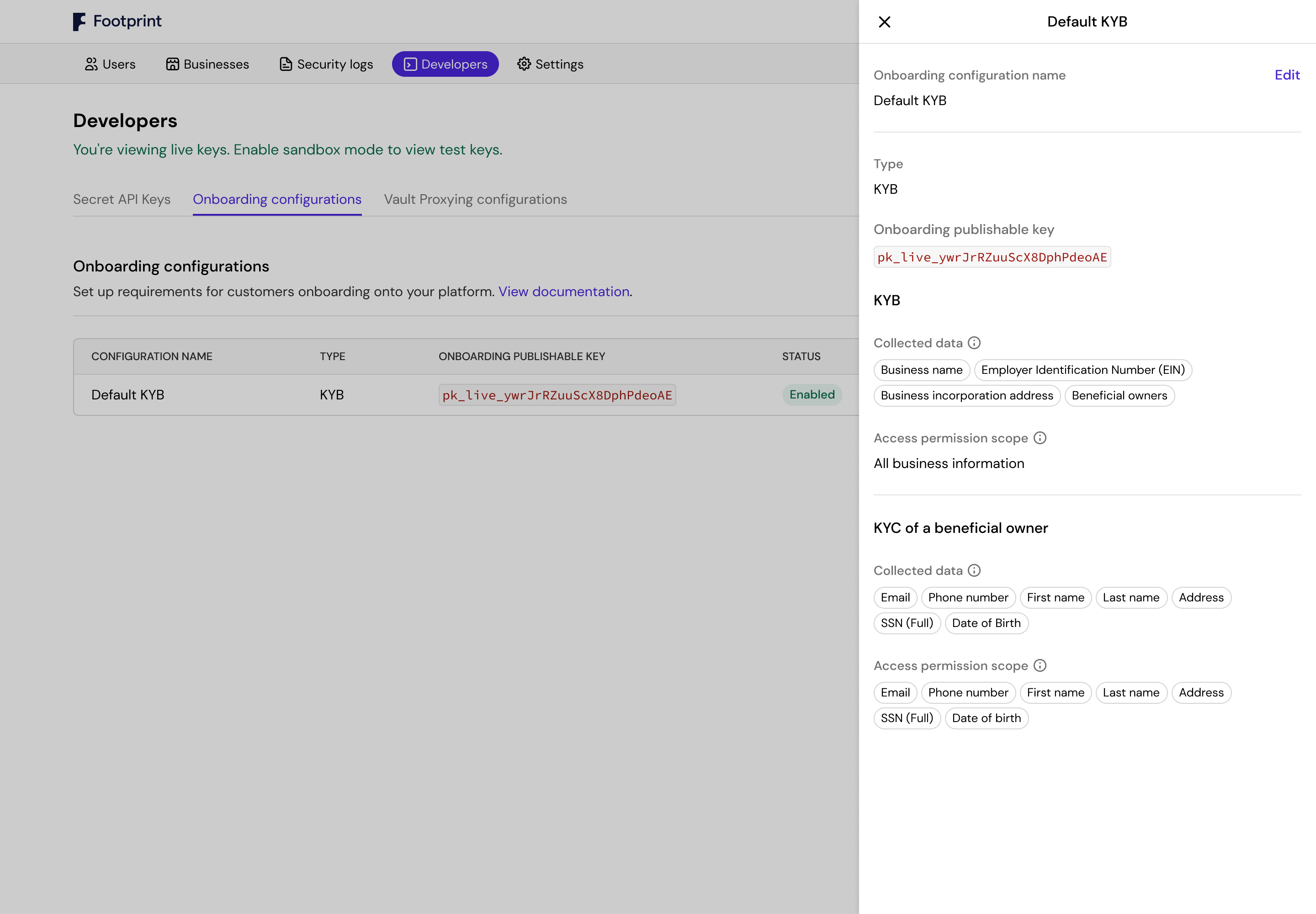
1. Log into the Footprint Dashboard, open the developer tab, and toggle ON sandbox mode.
2. Click "Create onboarding configuration"
3. Select "KYB" and follow the configuration steps
4. Test the flow: click the 3 dots "...", and select "Test onboarding"
We value your privacy
We use cookies and similar technologies to measure site performance, improve our product, and for marketing. You can accept or reject non-essential cookies. Learn more.

 Alex Grinman